Shaping Clay Animation
A downloadable Animation
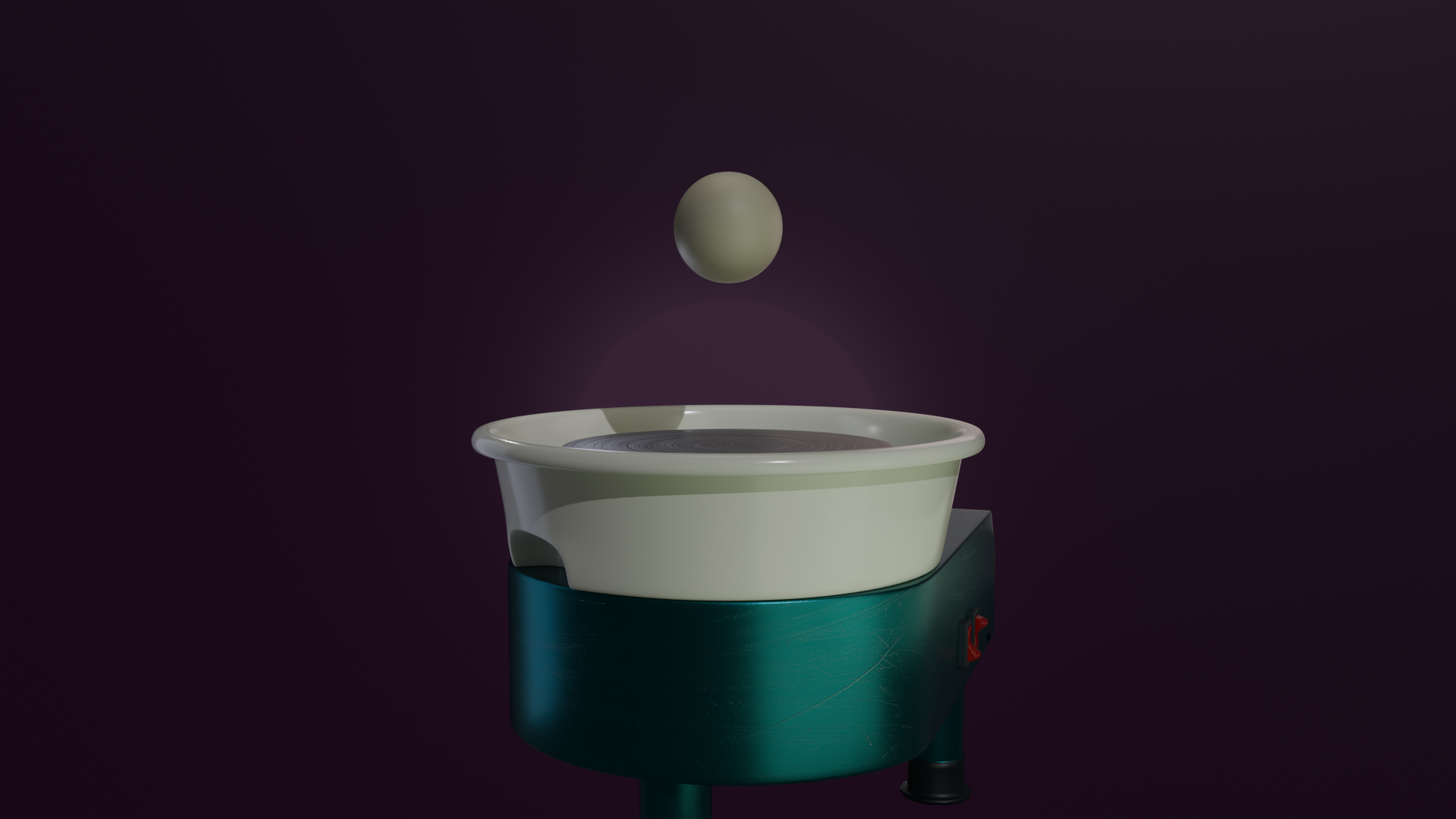
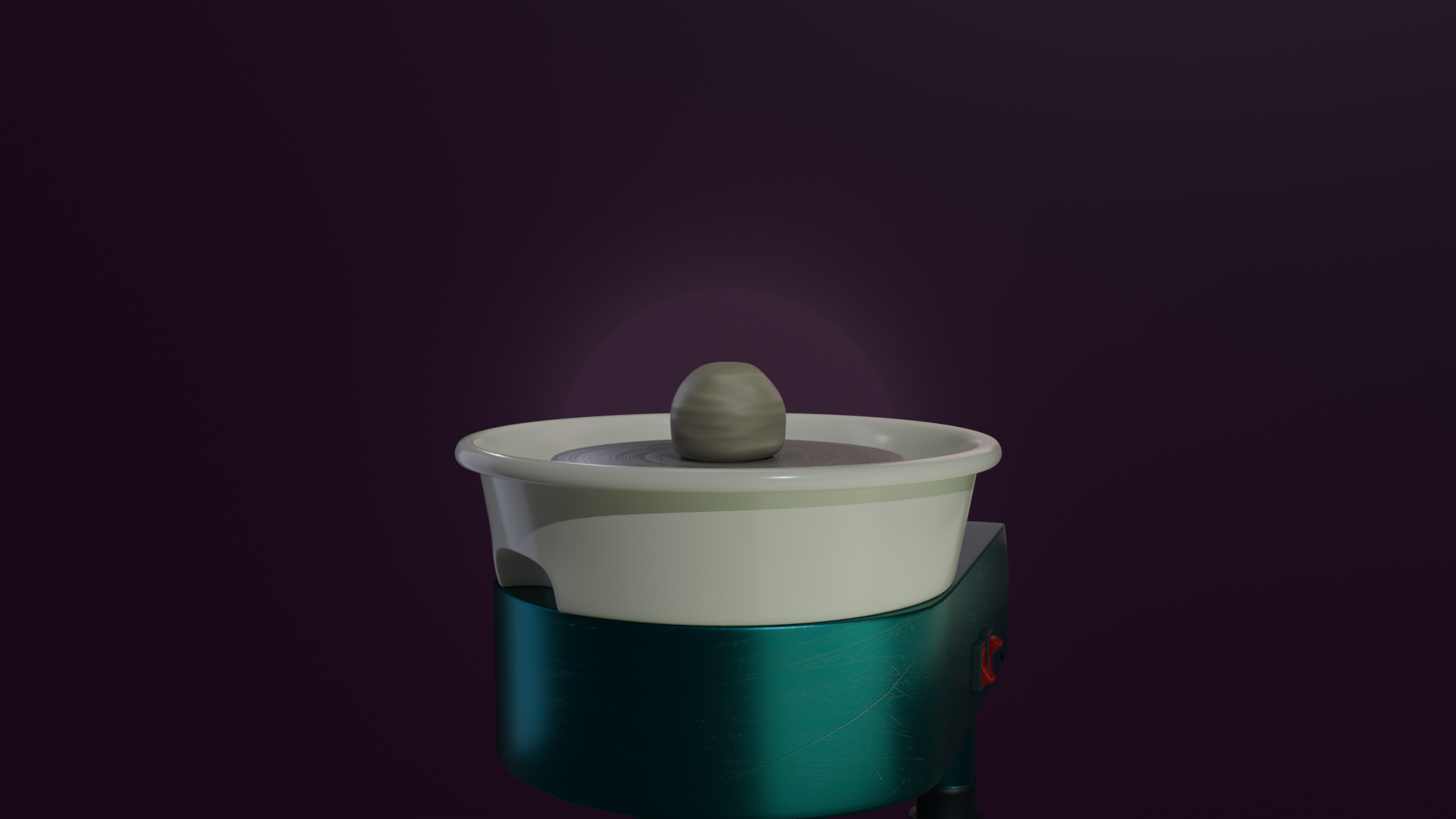
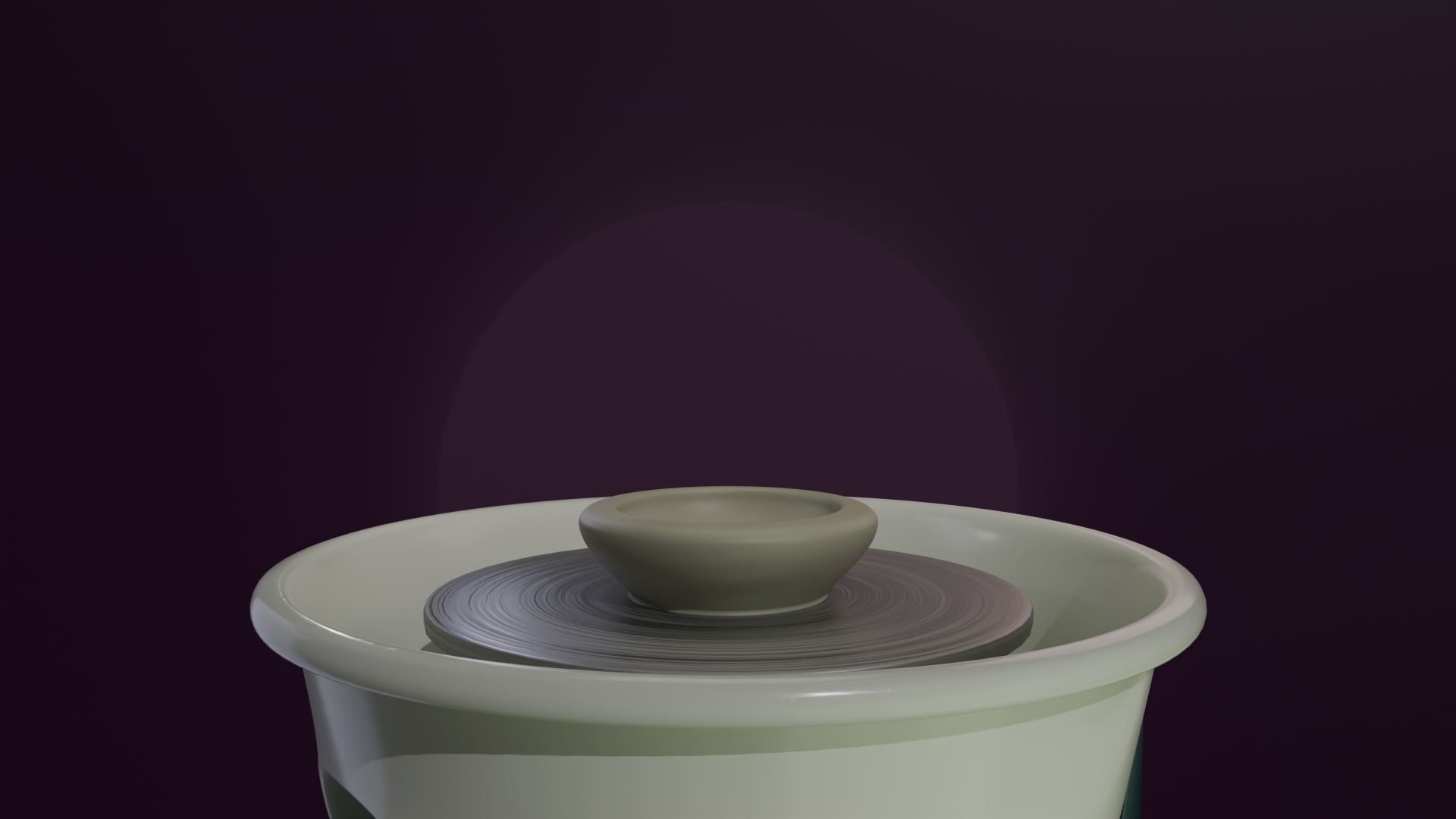
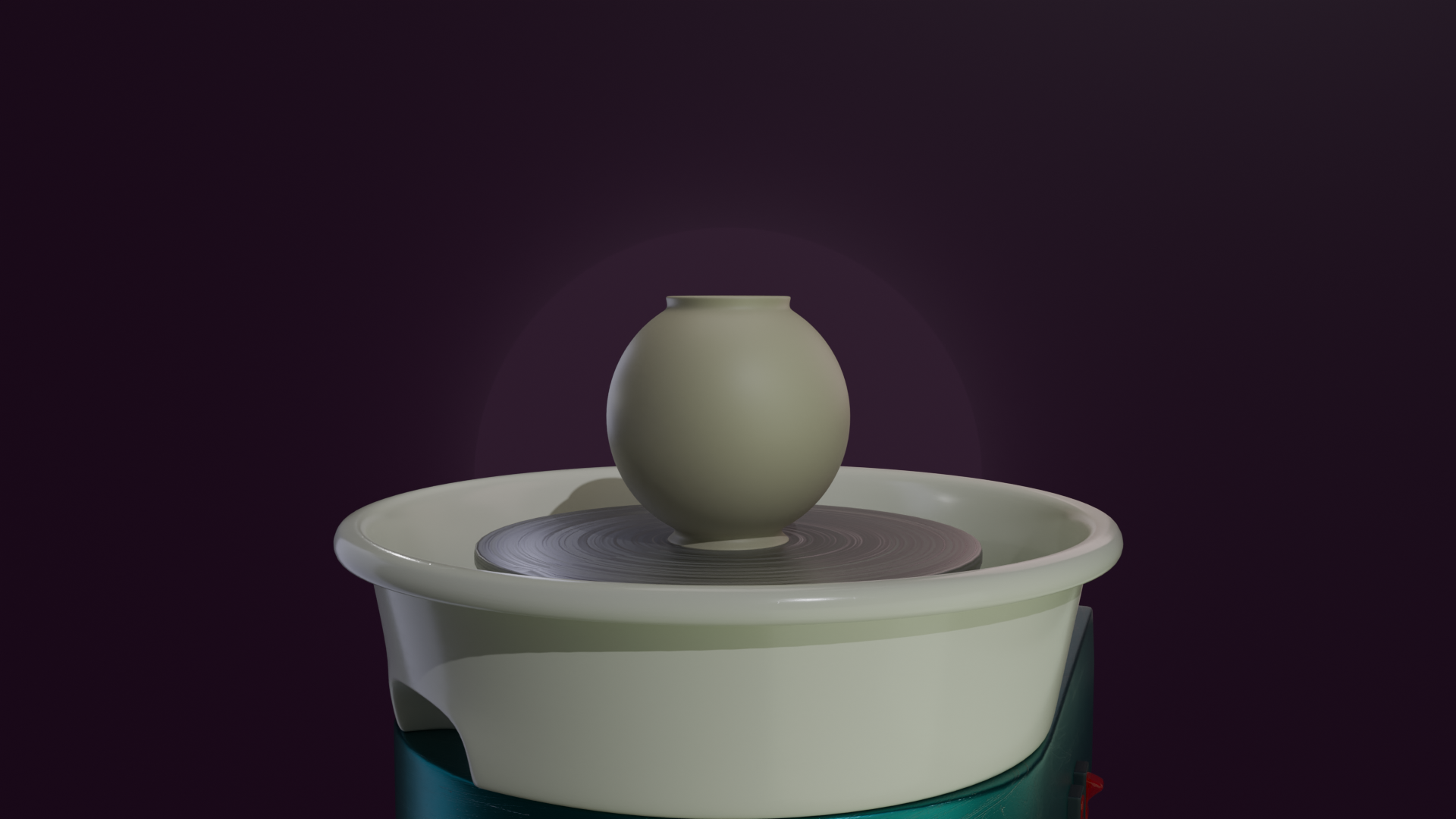
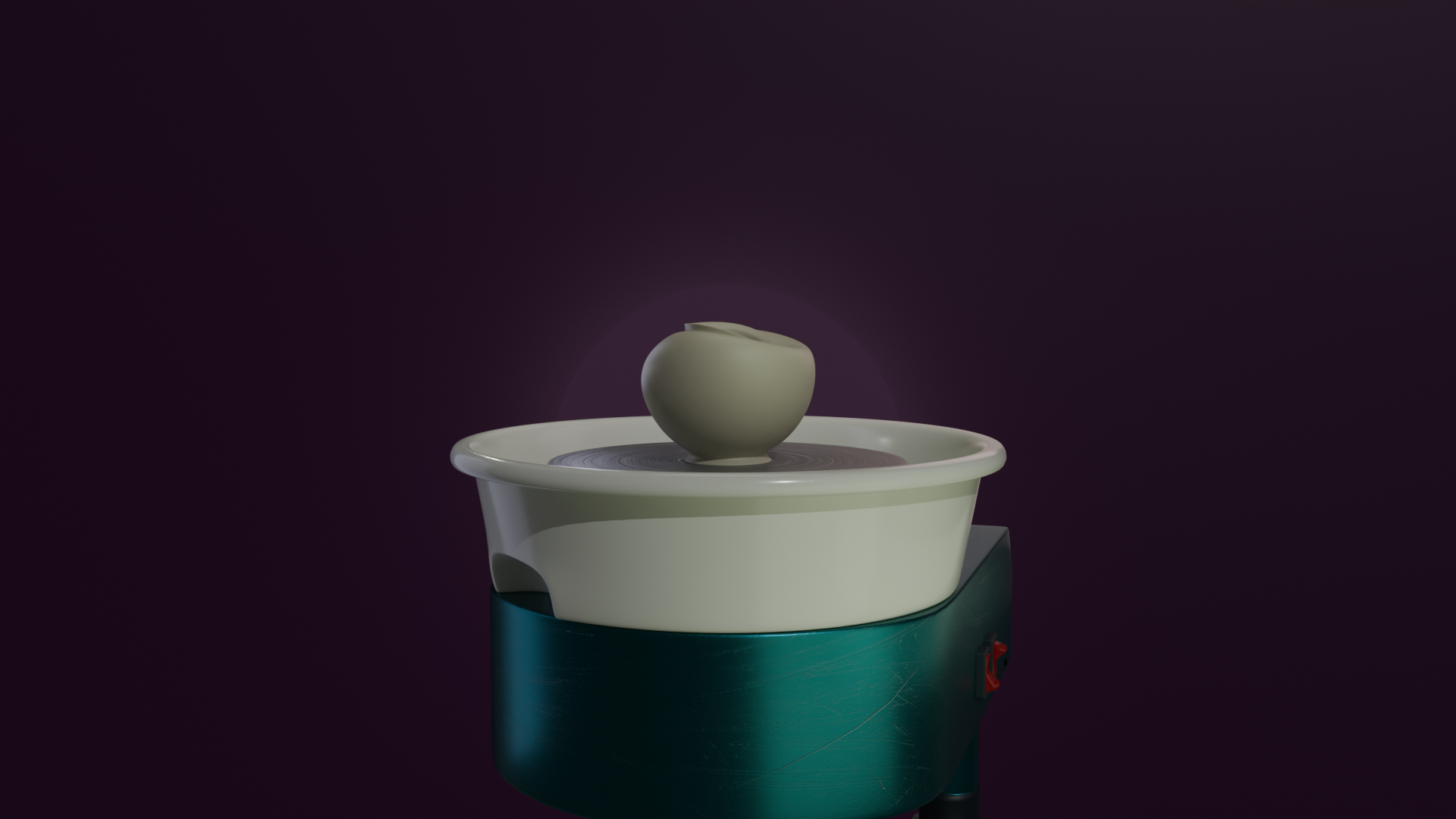
My first game jam! This animation project is for 3D Modeling Jam #8 by Kiri and the theme is Handcrafted. Made exclusively in Blender within 4 days. No AI.
Workflow
I experimented with the shape keys for a day trying to decide how to approach the animation. I have never used a pottery wheel before, so this is as realistic as I could be with about 3 videos of prep. Would have been fun to take a pottery class. I found a nice tutorial here that helped me learn.
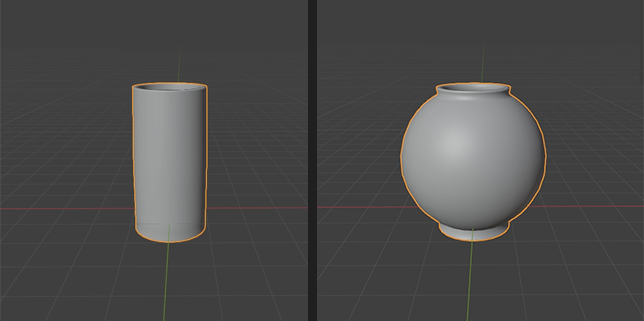
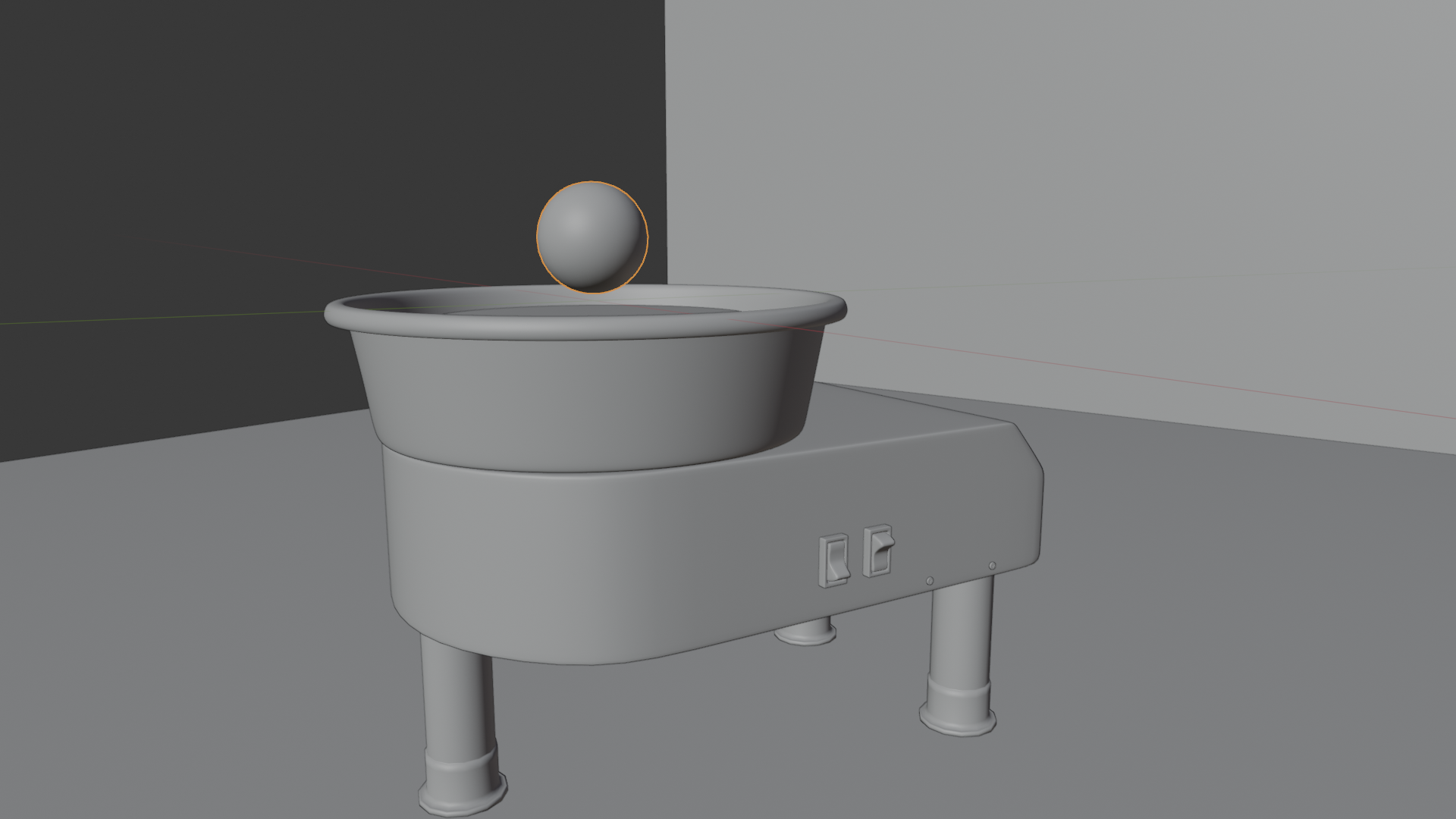
After making the important shapes of the animation, I created the rest of the scene and blocked out the color palette.
Had to be careful with the graph editor when animating shape keys. I made the important shapes first and animated an estimate timeline. Working in sections, refine the transitions and timing.
After getting the timing down, I added more lights, added textures to the materials, and then added shader animations to match the clays' movement.
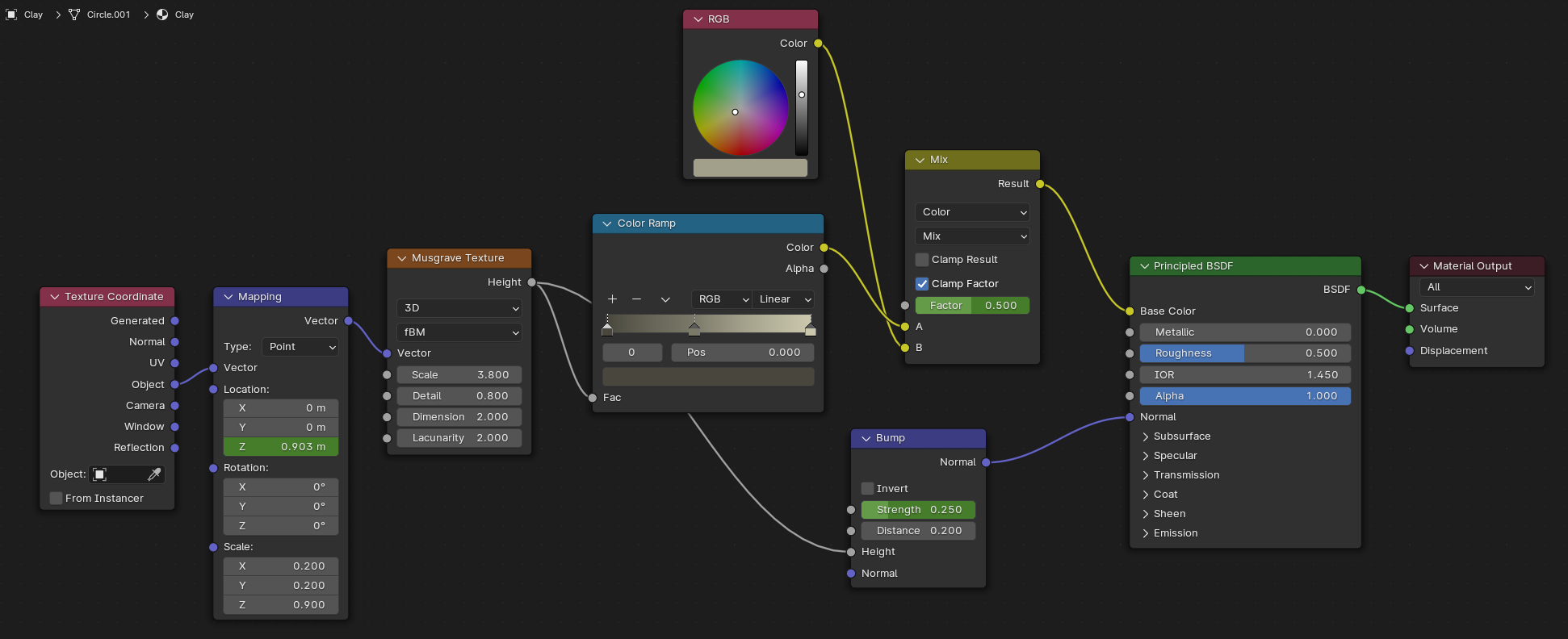
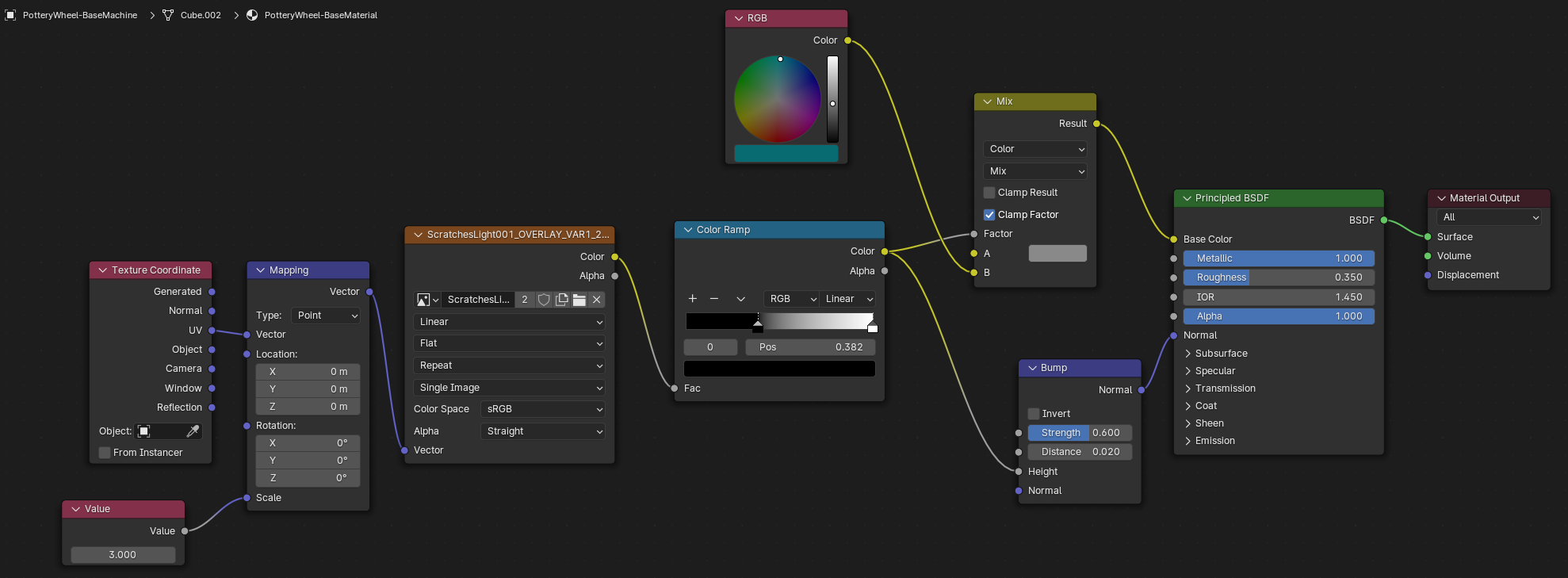
With more time, my next step would definitely be to add messy clay everywhere. Then add more to the bump map, like distinct finger marks when pulling up to center the clay. Keep piling on the layers of detail.
Thank you to Kiri for hosting this Game Jam and giving everyone some inspiration to run with!
Download
Leave a comment
Log in with itch.io to leave a comment.